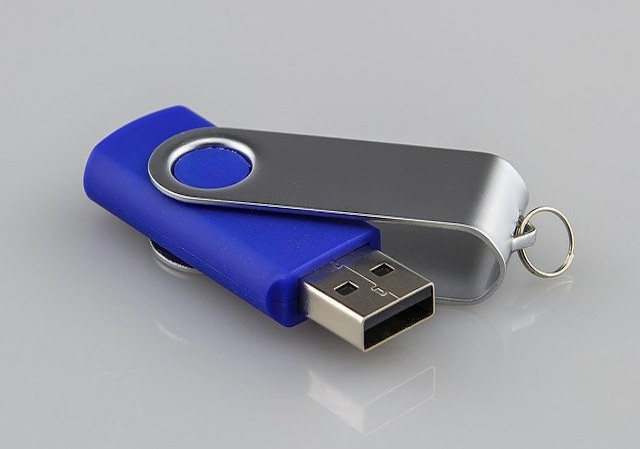
I recently plugged in a blue tooth in the USB port and computer warned that it will crash if take out while it is on. It crashed. How to fix the crashing computer. 98 PC with Millen 2000.
before taking out a usb reader always go down to where your clock is on you screen there should be a little icon with a green arrow pointing downwards click on this it will bring up a box letting you choose what to stop click the usb and then click stop your comp should not crash after doing it this way as this it a safe way(this is how i do it, you mite have to upgrade your os form what it is now to win xp or the like.hope this helped
helper
September 2006
Stop the device before removing it. Or only removed it when the PC is switched off.
Terry
April 2006
Automatic Answer
We may have found other answers which could help you.