can't switch on my medion?
how to seperate the radio from its case?
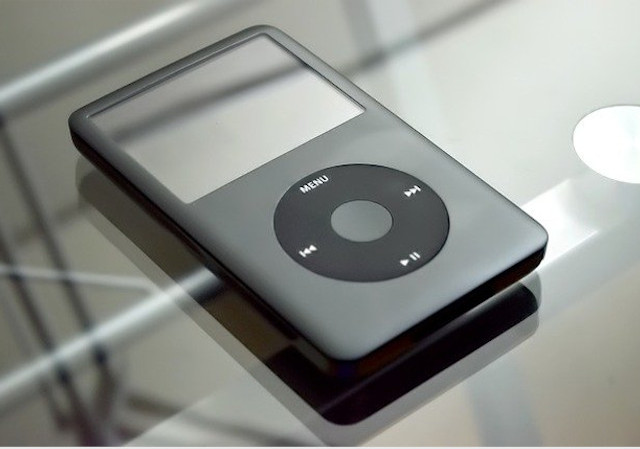
How can I fix a iPod model A1136 sn # 2z724009v9k?
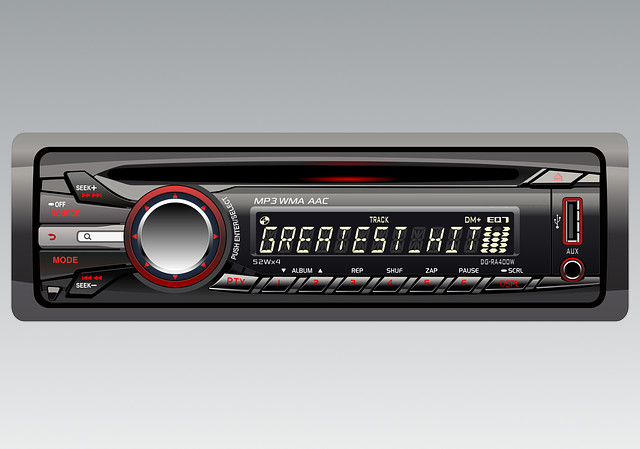
How do l get my vauxhall combo radio to work with MP3?
Change from FM to MW?
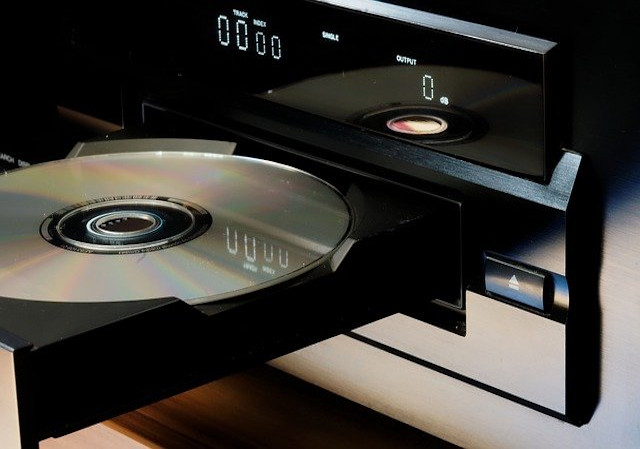
why wont my disc tray open on my Panasonic SA-PM38DB MP3 Player?
 howtomendit.com for free repair help, information and advice.